VS Code + Cursor AI ready

Prompts belong
in your
workflow.

Stop copy-pasting from random files. NicePrompt organizes your AI prompts in the cloud, syncs them to your dev environment, and gives you a REST API to improve any prompt on the fly — including your local LLMs.

5x prompt improvement via REST API
Ollama local model support
VS Code native extension
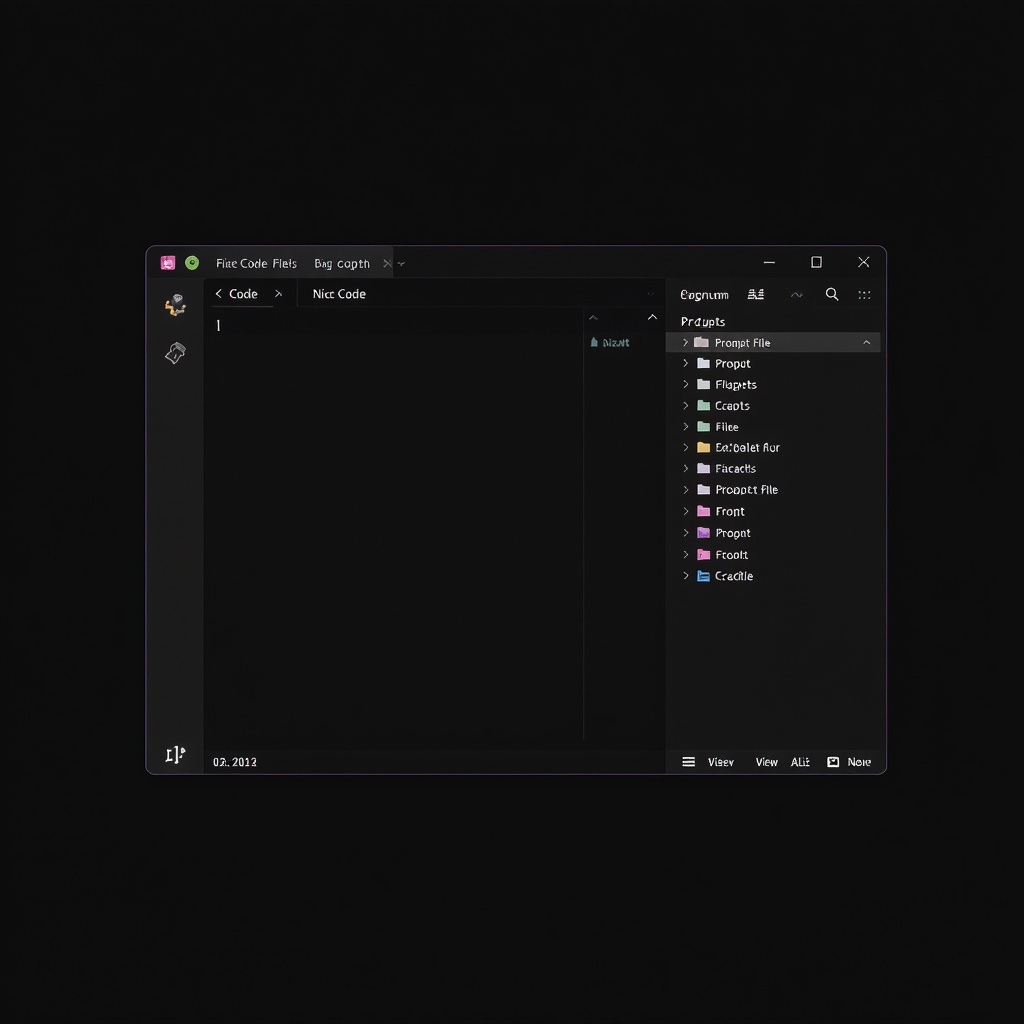
NicePrompt VS Code extension interface
The problem

Every developer has a graveyard of half-tested prompts scattered across notes, docs, and Slack threads. None of them are versioned. None of them are synced. All of them are losing you money on API calls.

Cloud folders

Organize prompts by project, context, or persona. Version history included. Access anywhere — your library follows you from the web app to VS Code.

VS Code + Cursor AI

Connect your prompt library to your development workspace. Browse, search, and insert prompts directly in VS Code or Cursor — no context switching.

5x prompt improvement API

Pass any prompt to the API and get a structurally improved version back — better context, clearer instructions, sharper output. Works with OpenAI and local Ollama models.

Chrome extension

Save any prompt you find on the web with one click. Captures the text, links back to the source, and drops it into your library — ready to refine and use.

API ready

Improve any prompt programmatically

A single REST call transforms a rough prompt into a structured one. Send your prompt, get back a version with better context, clearer constraints, and stronger output formatting — ready to use immediately.

improve.ts
const response = await fetch('https://api.niceprompt.app/v1/improve', {
  method: 'POST',
  headers: { 'Authorization': `Bearer ${API_KEY}` },
  body: JSON.stringify({
    prompt: 'Write a good email',
    model: 'gpt-4'  // or 'ollama/llama3'
  })
});

const { improved } = await response.json();
// improved: "You are a professional email writer..."
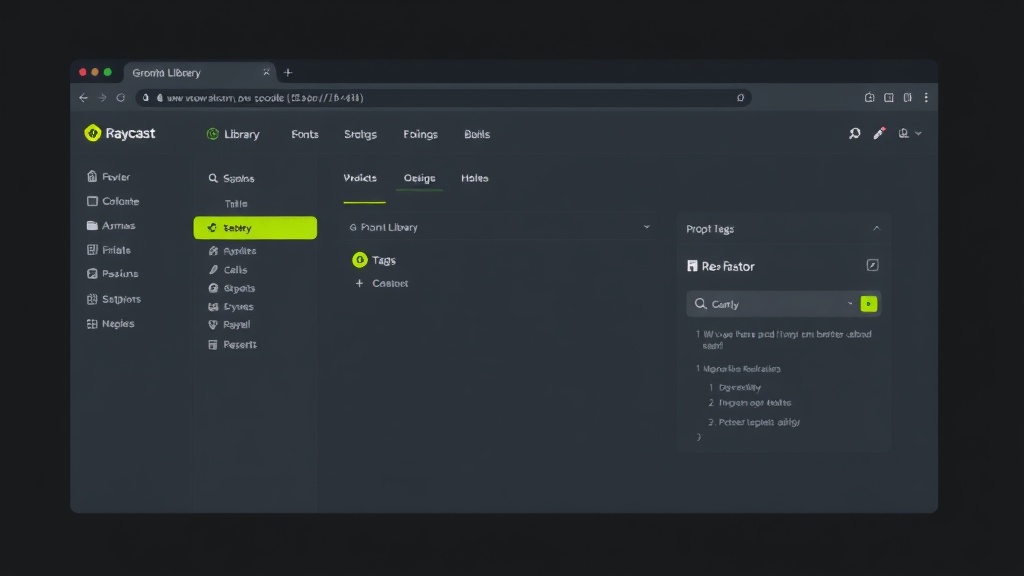
NicePrompt prompt library interface
How it works

From waitlist to shipped

  1. 01
    Create folders and prompts

    Organize by project, context, or use case in your cloud library.

  2. 02
    Connect to your workspace

    Link your prompt library to VS Code or Cursor AI with the extension.

  3. 03
    Use, improve, and iterate

    Call the API to sharpen any prompt. Build a library that actually gets better over time.

Prompts are not throwaway text. They're programs. Treat them that way.